

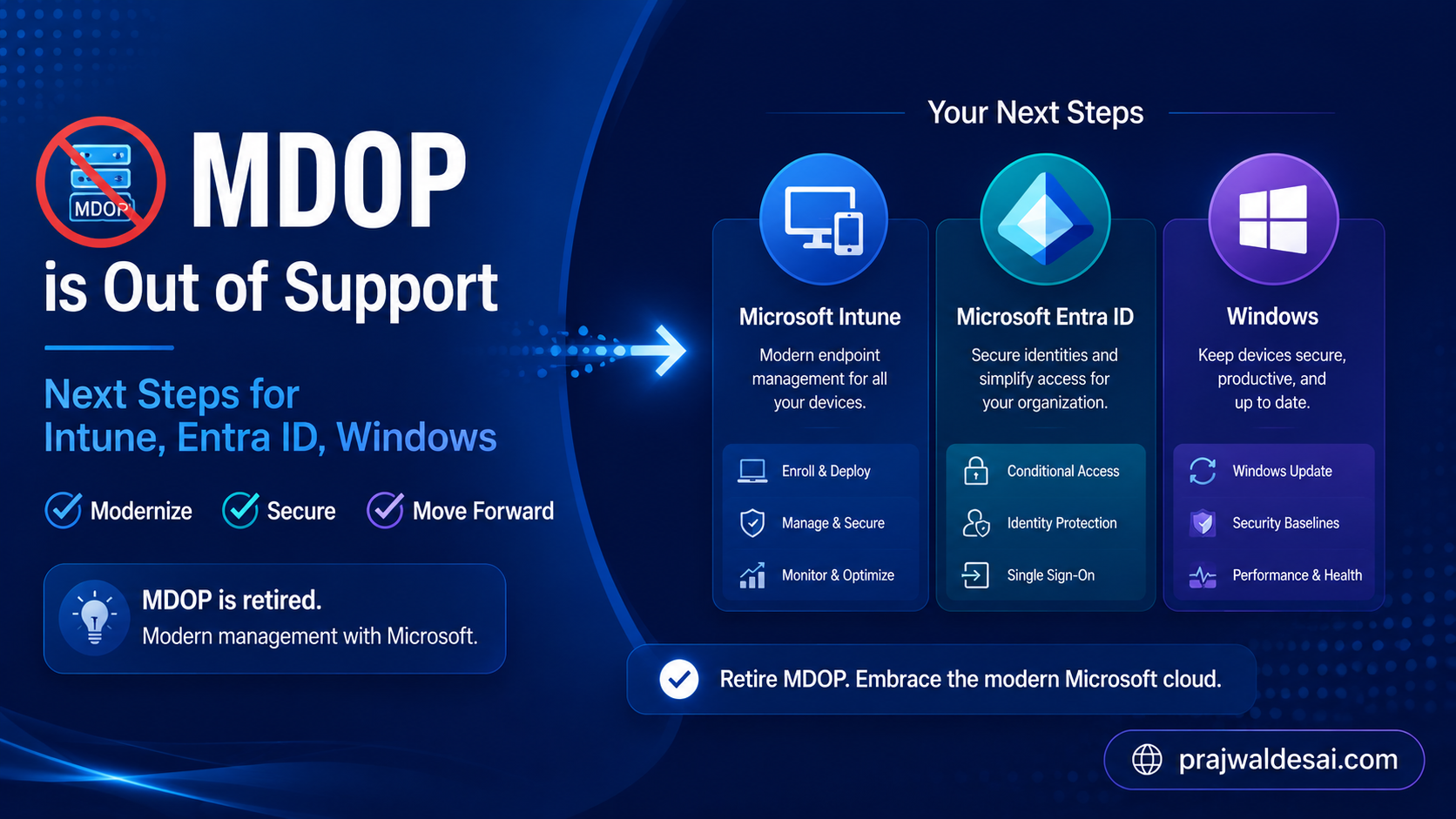
As of April 14, 2026, MDOP is out of support. That means Microsoft no longer provides security updates, bug fixes, or technical support for any MDOP components. Modernizing away from MDOP reduces legacy infrastructure, strengthens security posture, and positions endpoint management for the future of Windows.
For many IT teams, the Microsoft Desktop Optimization Pack, better known as MDOP played an important role in managing Windows environments. It helped organizations visualize applications, manage BitLocker, recover broken PCs, roam user settings, and control Group Policy changes.
If your organization still relies on MDOP and its components, Microsoft does provide cloud-native replacement options, and it is essential to know about them. In this article, I will explain those supported options that should help enterprises.
Note: From what I have understood, there is no single replacement product for the entire MDOP. Instead, Microsoft’s recommended direction is to distribute those workloads across modern, supported capabilities in Microsoft Intune, Microsoft Entra ID, Windows 11, Configuration Manager, MSIX, and Windows recovery technologies.
Why MDOP Is Retiring
Let’s understand why MDOP was introduced and why Microsoft is retiring it.
MDOP was introduced and used when:
- The devices were Active directory domain-joined.
- Management was on-premises.
- Security relied on network boundaries.
- Imaging and re-imaging were standard practice.
Today, organizations are shifting to:
- Cloud-native management.
- Zero Trust security.
- Identity-based access control.
- Lightweight provisioning (Windows Autopilot).
- Continuous compliance.
Prerequisites for MDOP migration
Before replacing anything, identify which MDOP components are still in use in your organization. Here is the list of MDOP components to check if your organization still depends on:
- App-V for application virtualization
- MBAM for BitLocker administration and recovery
- DaRT for offline troubleshooting and recovery
- UE-V for user settings synchronization
- AGPM for Group Policy change control
Once you know what is still active, you can prioritize migration based on business impact and risk. If you haven’t started planning yet, Microsoft recommends starting with MBAM since Intune is the most direct replacement. Then, you can work through App-V, DaRT, UE-V, and AGPM based on what’s still in use.
Replacing MDOP Components with Modern Microsoft Solutions
The table below provides a practical mapping between common MDOP tools and their modern alternatives, which include Microsoft Entra ID, Intune, and Windows.
| MDOP Component | Original Purpose | Modern Replacement / Direction |
|---|---|---|
| App-V | Application virtualization | MSIX, MSIX App Attach, Intune, Configuration Manager for existing packages |
| MBAM | BitLocker management and recovery | BitLocker management in Microsoft Intune with Microsoft Entra ID key escrow |
| DaRT | Offline diagnostics and recovery | Windows Recovery Environment, Quick Machine Recovery, Intune remote actions |
| UE-V | User settings roaming | Windows 365 Cloud PC, Windows Backup for Organizations, OneDrive Known Folder Move, app-native sync |
| AGPM | Group Policy change control | Intune Multi Admin Approval, Intune settings catalog, role-based access control, policy-as-code practices |
A Practical Migration Checklist
A successful MDOP transition should be planned, not rushed. Use the following checklist as a starting point.
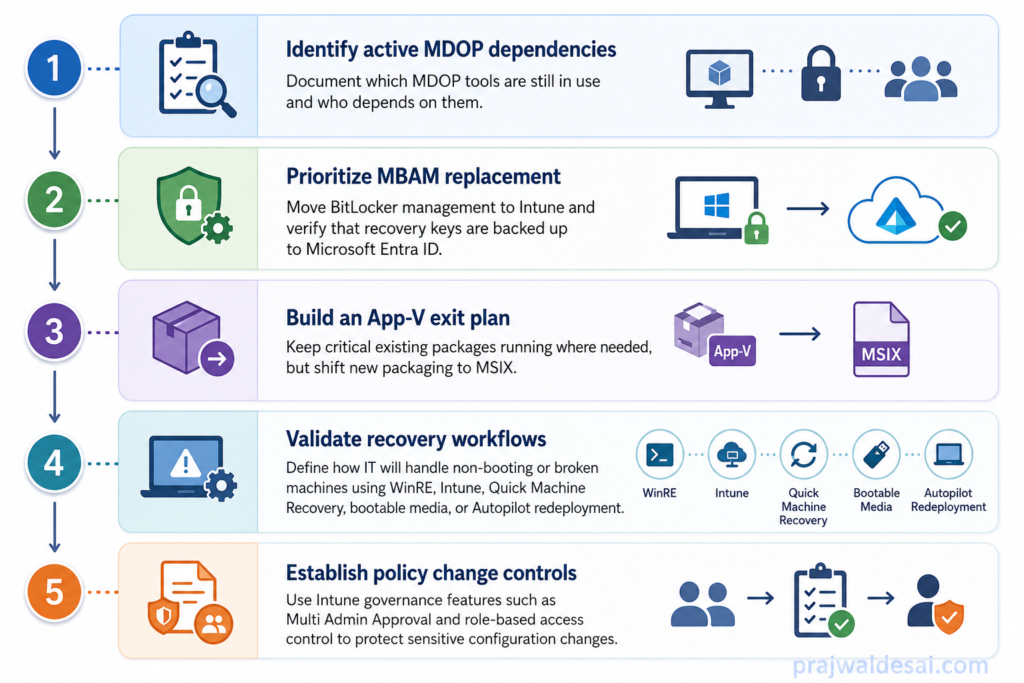
- Identify active MDOP dependencies: Document which MDOP tools are still in use and who depends on them.
- Prioritize MBAM replacement: Move BitLocker management to Intune and verify that recovery keys are backed up to Microsoft Entra ID.
- Build an App-V exit plan: Keep critical existing packages running where needed, but shift new packaging to MSIX.
- Validate recovery workflows: Define how IT will handle non-booting or broken machines using WinRE, Intune, Quick Machine Recovery, bootable media, or Autopilot redeployment.
- Review user settings requirements: Decide which settings and files need to follow users across devices, then map those needs to OneDrive, Enterprise State Roaming, Edge sync, or app-native sync.
- Establish policy change controls: Use Intune governance features such as Multi Admin Approval and role-based access control to protect sensitive configuration changes.
Conclusion
MDOP has actually served Windows administrators well for many years, but its support lifecycle has ended, unfortunately. Organizations that continue using unsupported MDOP components should treat this as a modernization priority.
I would say MDOP’s retirement isn’t just a forced migration, it’s a chance to modernize your entire device management strategy. By moving to Intune and Microsoft’s cloud-native tools, you gain:
- Improve security through cloud-based management
- Centralize device and policy administration
- Integrate encryption and compliance with Conditional Access
- Reduce dependency on legacy on-premises servers and lower infrastructure costs
- Support Windows 11 and modern endpoint management
The organizations that make this transition now will be better positioned for Windows 11, Zero Trust, and the next generation of cloud-first endpoints. Please share in the comments section how you intend to replace MDOP in your company with more contemporary solutions.
