

On June 2, 2026, Microsoft released hotfix KB37942646 for Cloud Management Gateway (CMG) virtual machine scale set image, specifically addressing the deprecation of legacy Windows Server 2022 Azure Marketplace images that include .NET 6. This is a production-critical fix for any organization relying on CMG with VMSS for managing remote or internet-facing devices.
Older Windows Server 2022 Azure Marketplace images that include .NET 6 are being deprecated. Once deprecation enforcement begins in early 2027, any CMG deployment or reimage operation referencing these legacy images will fail. The deprecated images will also stop receiving OS patch updates. The KB37942646 update ensures compliance and support for CMG deployments by transitioning to a new Windows Server 2022 image.
The hotfix KB37942646 is applicable for Configuration Manager versions 2603, 2509, 2503, and 2409 to ensure your cloud-based client management infrastructure stays healthy, up to date, and fully operational. For the full official details, visit the Microsoft Learn KB 37942646 documentation.
About KB37942646
- This update applies to SCCM versions 2603, 2503 (with KB32851084 installed), and 2409 (with KB30385346 installed).
- No restart or site reset is required after installing the update.
- Includes updates to the console and site.
- The hotfix is included with the second update rollup for ConfigMgr version 2509 (KB 37864969). A separate OOB hotfix isn’t required for version 2509.
Install Hotfix KB37942646 for Configuration Manager
Microsoft delivers the KB37942646 hotfix as an in-console update through the standard Configuration Manager update mechanism. Here’s how you can install it.
Step 1. Check for the Update in the Console
- Open the Configuration Manager console.
- Navigate to Administration > Updates and Servicing.
- Look for KB37942646 in the update list.
- If it doesn’t appear, click Check for Updates in the ribbon.
Step 2. Run the Prerequisite Check
- Right-click the update and select Run prerequisite check.
- Wait for the check to complete. Monitor hman.log and dmpdownloader.log for progress.
- Ensure no prerequisite warnings or errors are flagged.
Step 3. Install the Update
- Open the Configuration Manager console.
- Navigate to Administration > Updates and Servicing.
- Select Configuration Manager hotfix KB37942646 and in the top ribbon, select Install Update Pack.
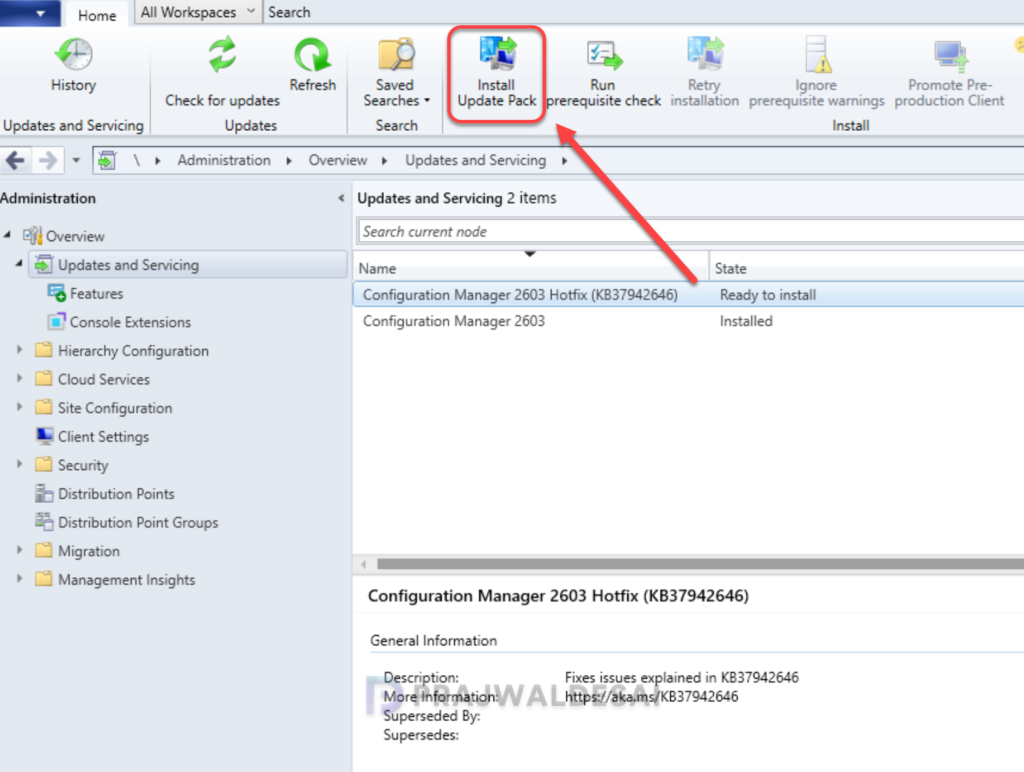
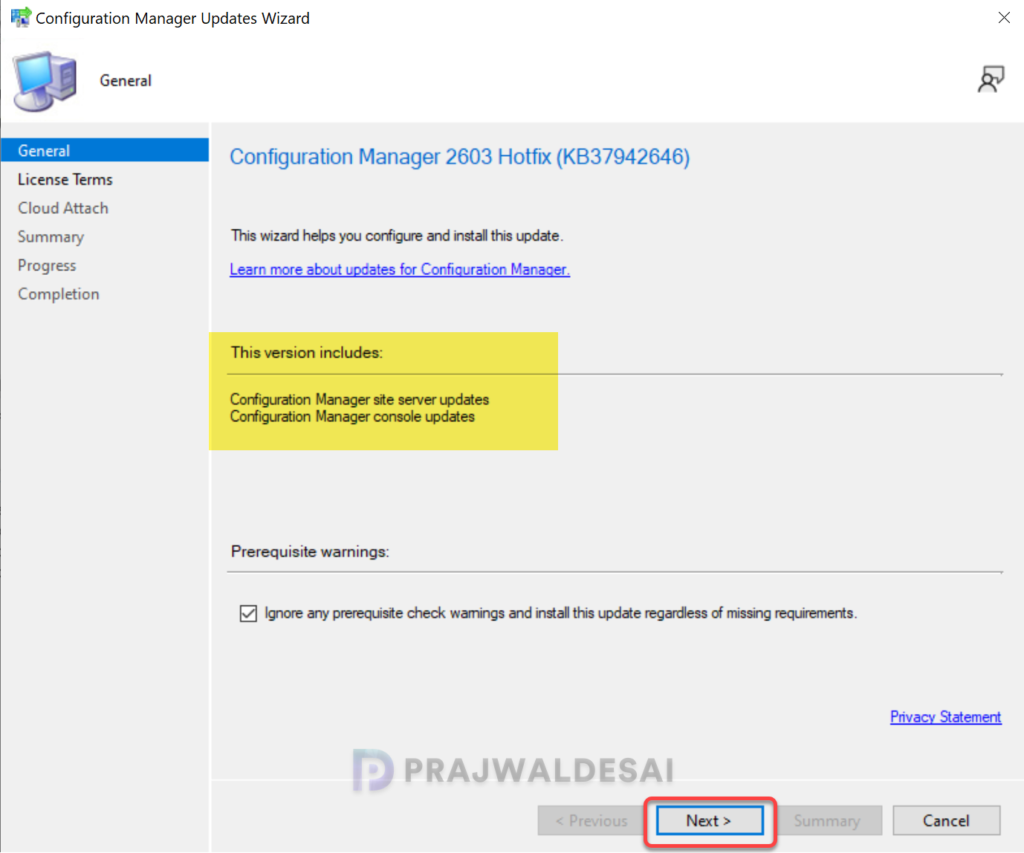
It is highly recommended that you run a prerequisite check for this update on your production server before installing it. For lab environments, you can enable the option “Ignore any prerequisite check warnings and install the update.” Click Next.
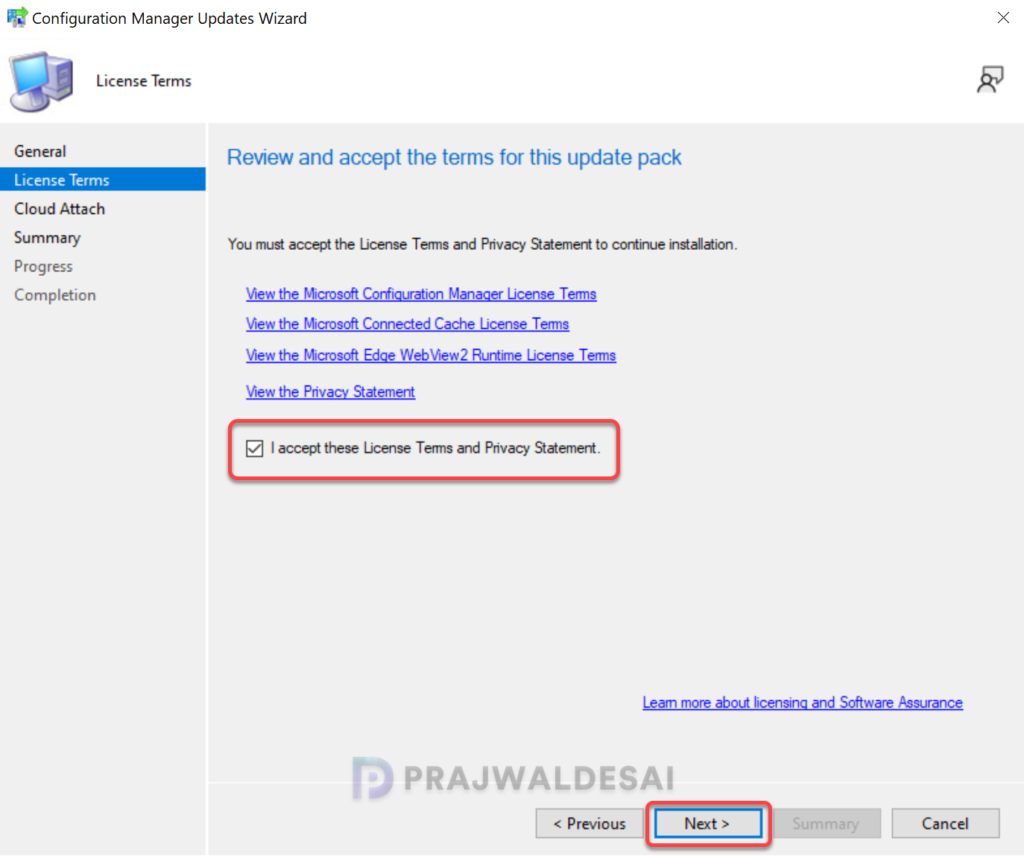
Accept the license terms required for installing the hotfix. Click Next.
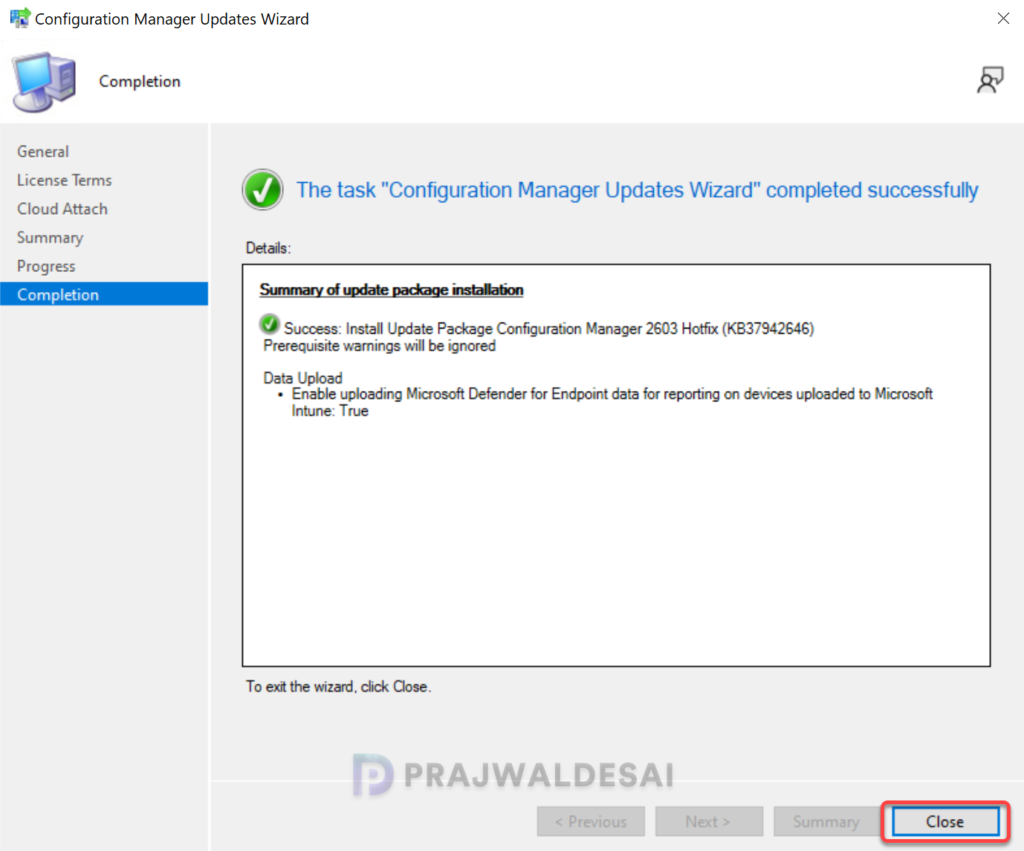
Complete the steps included in the hotfix installation wizard and close the update installation wizard. Sit back and relax; the hotfix installation begins now.
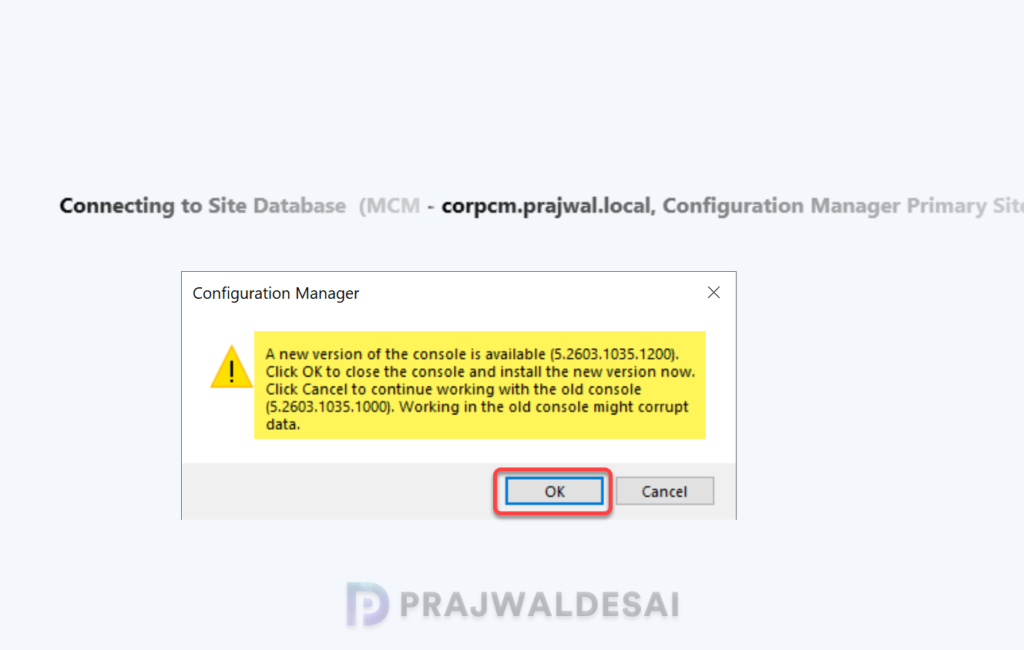
Step 4: Upgrade the console
Once the update installation is completed, you will be prompted for the console upgrade. The hotfix upgrades the Configuration Manager Console to version 5.2603.1035.1200.
The hotfix applies to various versions of Configuration Manager, and the table below outlines the console version number for each respective version.
| Configuration Manager Version | Console Version |
|---|---|
| Configuration Manager console (2409) | 5.2409.1183.2100 |
| Configuration Manager console (2503) | 5.2503.1083.2100 |
| Configuration Manager console (2603) | 5.2603.1035.1200 |
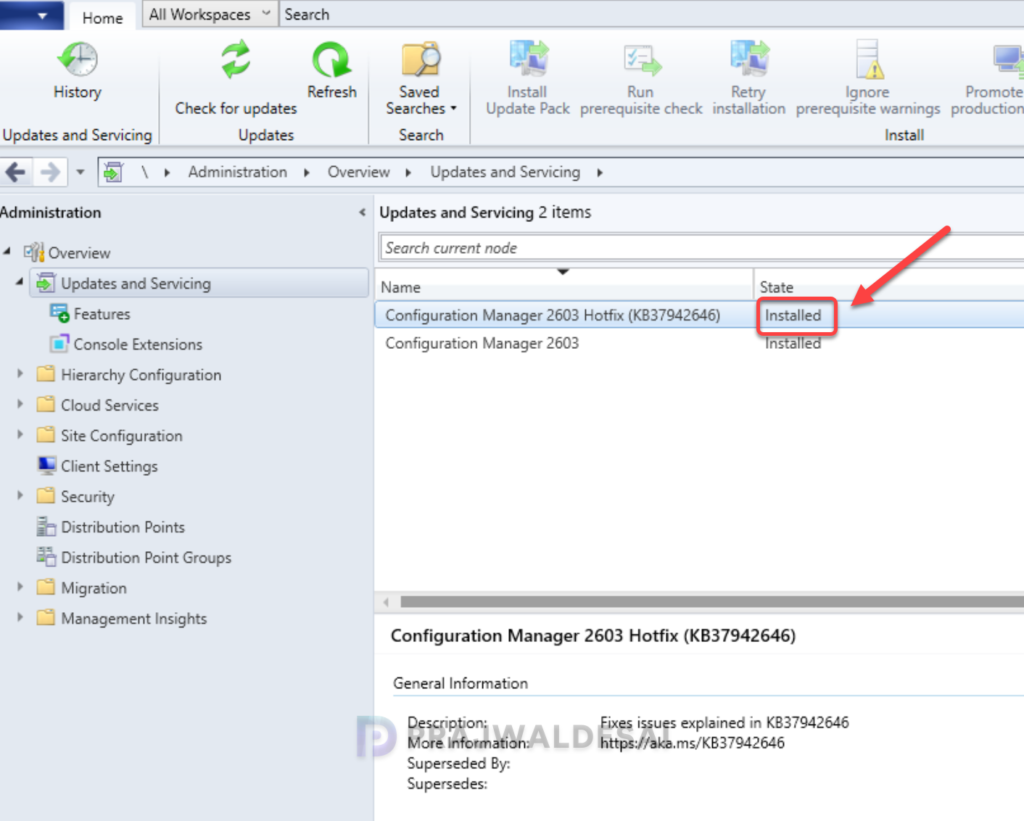
To verify if the hotfix is installed, open the console and go to Administration > Updates and Servicing. If the State column for the hotfix shows ‘Installed‘ it means the update installation is completed.
Step 5. Verify CMG Health Post-Update
- Navigate to Administration > Cloud Services > Cloud Management Gateway.
- Confirm the CMG status shows Running.
- Check CloudMgr.log on the site server for any post-update errors.
- Verify internet-based clients are successfully communicating through the CMG.
Summary
KB37942646 is a focused, important hotfix for Configuration Manager 2603, 2509, 2503, and 2409 that resolves a known issue with the CMG virtual machine scale set image. If your organization uses CMG with VMS and most modern ConfigMgr deployments, this update ensures your cloud management infrastructure provisions reliably, scales cleanly, and keeps your remote clients connected without interruption. Apply it proactively, verify your CMG health post-update, and keep your ConfigMgr environment running at its best.

Might be useful to note that installing this takes quite a while. It took about half an hour for cmupdate.log to finish and for sitecomp.log to finish showing signs of updating our main site server and separate MP. It then took a further quarter of an hour for the CMG to show as upgraded in the console but then CloudMgr.log continued to to show activity (mainly a “Deployment Maintenance” task) for around a further 10 minutes.