Each new release of Windows Server introduces new features and enhancements, often replacing outdated functionalities with better alternatives. This guide highlights all the features and functionalities that have been removed or deprecated in Windows Server 2025.
Windows Server 2025 was officially released and made generally available by Microsoft on November 1, 2024 with the mainstream support lasting until Nov 13, 2029. More organizations are now planning to upgrade to Server 2025 to avail the new features and stability improvements.
If you’re upgrading to Server 2025 from an older version of server, you should be aware of the features and the components that have been removed from it. Feature deprecation means that it is no longer in active development by Microsoft. Whereas, component deprecation means it remains included in Windows Server, is supported for production use, and continues to receive security and quality updates in accordance with the product lifecycle.
Features Deprecated in Windows Server 2025
Let’s go through the list of features that have been deprecated in Windows Server 2025.
Computer Browser 🌐
Beginning with Windows Server 2025, both Computer Browser driver and service are deprecated. Computer browser services is a legacy Windows service that maintains and updates a list of computers and shared resources on a network. Since this service was insecure, the protocol, service, and driver were first disabled by default in Windows 10, with the removal of the SMB1 service.
Failover Clustering Cluster Sets ⛔
The Cluster Sets in Windows Server Failover Clustering was introduced to increase the scale of high-availability clusters by grouping multiple independent failover clusters (nodes) into a single, cohesive entity. The Failover Clustering Cluster Sets feature is no longer in active feature development and is deprecated.
Network Load Balancing 💻
Starting in Windows Server 2025, the Network Load Balancing (NLB) is no longer in active feature development and is permanently deprecated. Organizations that are currently using NLB feature must consider using a Software Load Balancer (SLB) as an alternative to evenly distribute tenant and tenant customer network traffic among virtual network resources.
NTLMv1 is deprecated 🔐
NTLMv1 is a deprecated feature and in addition to that, LANMAN and NTLMv2 are no longer under active feature development and are deprecated. NTLMv2 will continue to work but will be removed from Windows Server in a future release. Replace calls to NTLM with calls to negotiate, which try to authenticate with Kerberos and only fall back to NTLM when necessary.
Remote Mailslot Protocol deprecated ✉️
The Remote Mailslot Protocol is a simple, unreliable, insecure, and unidirectional interprocess communications (IPC) protocol between a client and server. This protocol was initially introduced in MS DOS, is a dated and simple IPC method that is both unreliable and insecure. This protocol was first disabled by default in Windows 11 Insider Preview Build 25314 and with the Server 2025 release, it is completely deprecated.
TLS versions 1.0, 1.1 Deprecated 👨💻
On Windows Server 2025, the TLS versions 1.0 and 1.1 are deprecated and disabled by default as per internet standards and regulatory bodies due to security concerns mentioned in RFC 8996. They are also disabled by Microsoft 365 products, as well as WinHTTP and WinINet API surfaces. If your applications are dependent on the older TLS versions, Microsoft recommends checking with the software vendor for an updated version.
WebDAV Redirector Service Deprecated 🚩
The WebDAV Redirector service that was first introduced with Vista is finally deprecated in Windows Server 2025. The WebDAV API is mostly used by C and C++ developers. To be honest, this service isn’t even installed by default in Windows Server.
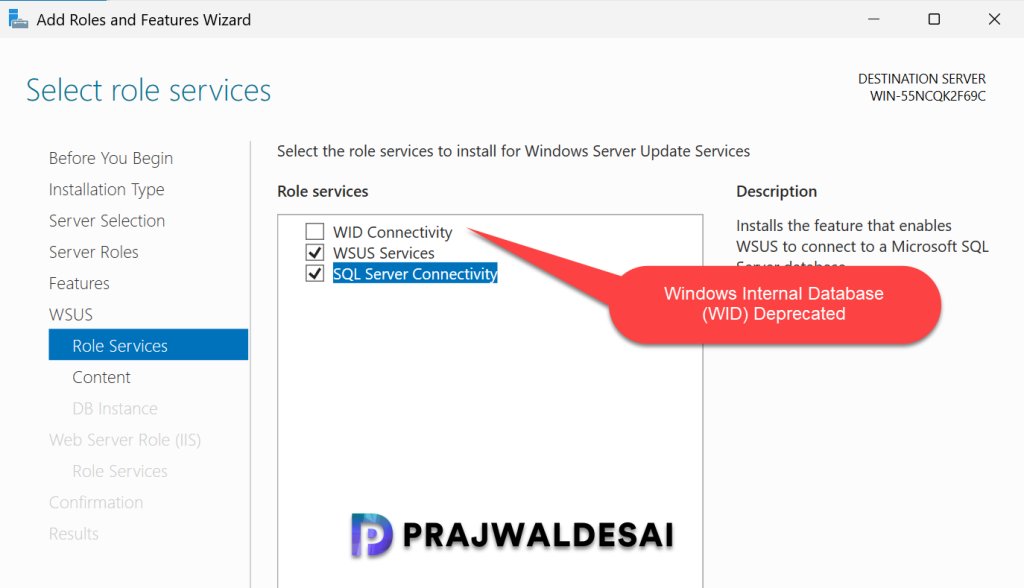
Windows Internal Database (WID) Deprecated 📈
Windows Internal Database (WID) is used for several roles on Windows servers, including AD FS, AD RMS, IPAM, RD Connection Broker, and WSUS. If you are still using WID for any of the roles in your organization, you must consider using a free or full version of SQL Server for these roles. Microsoft will remove WID role service from Windows Server releases in coming months.
Windows Management Instrumentation Command-line (WMIC) 📢
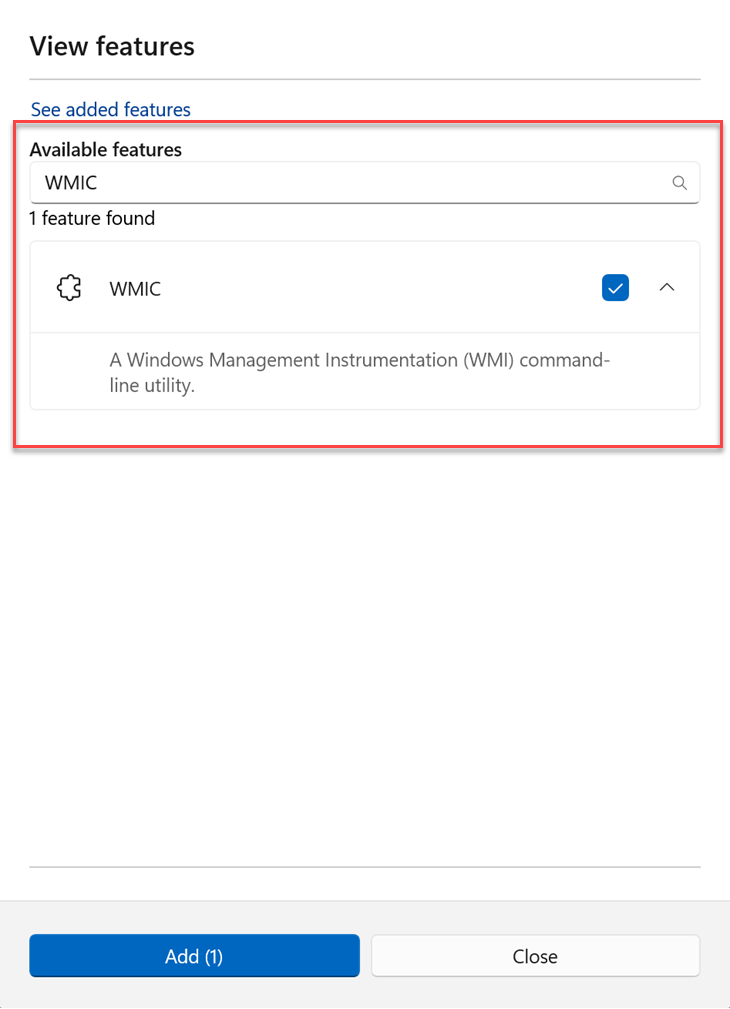
Beginning with Windows Server 2025, WMIC is available as a Feature on Demand (FOD). It can be installed or added with the DISM /Add-Capability command. WMIC has been available as a FoD for Windows 11 since 2022. WMIC will be permanently removed from Windows client and server operating systems soon, and PowerShell for WMI will replace the WMIC tool.
VBScript 📟
VBScript is included as a Feature on Demand (FOD) and comes preinstalled in Windows Server 2025. However, it will be removed in a subsequent release. To replace VBScript, consider using PowerShell for task automation, custom actions, or scripting needs.
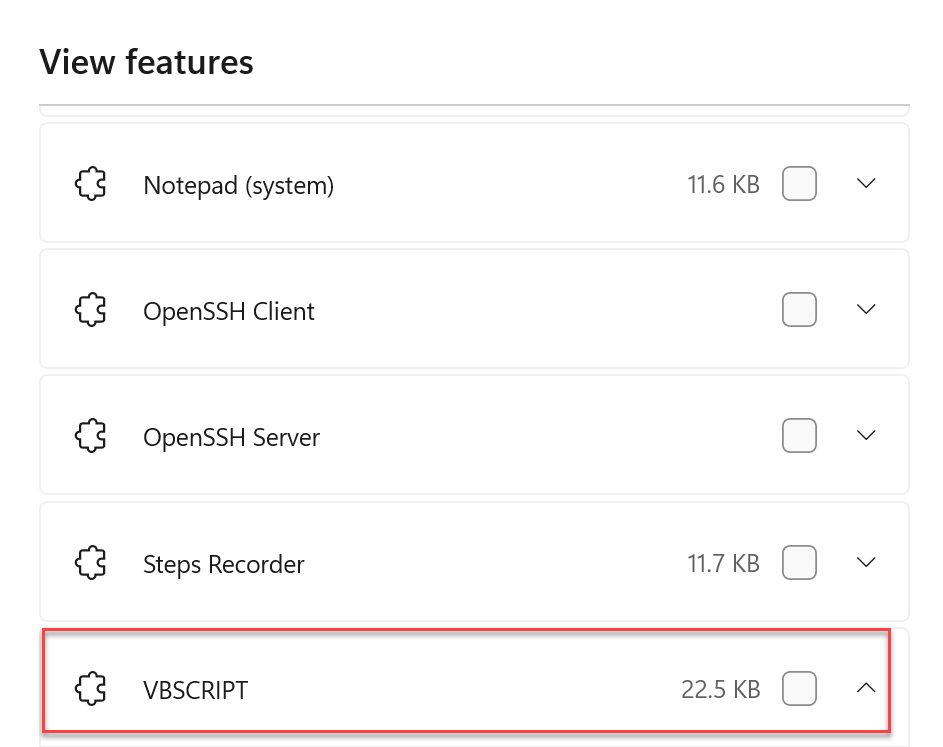
If you’re using VBScript within your webpage, Microsoft recommends migrating your webpages to JavaScript, which provides cross-browser compatibility and modern browser support.
Windows Server Update Services (WSUS) Deprecated 🎯
In September 2024, Microsoft announced the deprecation of WSUS. Microsoft clearly stated that it will no longer invest in new capabilities, nor are we accepting new feature requests for WSUS. WSUS is a component that is required by Configuration Manager to distribute updates to endpoints. The WSUS deprecation does not impact existing capabilities or support for Microsoft Configuration Manager.
Rivest Cipher 4 (RC4) usage in Kerberos 🗝️
The Rivest Cipher 4 (RC4) algorithm is now deprecated in the Kerberos authentication protocol due to its vulnerability to exploitation and credential theft. As RC4 is considered a weak encryption method, it is strongly advised to transition to more robust algorithms, such as AES-SHA1, to strengthen security measures.
Features Removed in Windows Server 2025
Let’s go through the list of features that have been permanently removed in Windows Server 2025.
Data Encryption Standard (DES) 📊
DES, the symmetric-key block encryption cipher, isn’t considered secure against modern cryptographic attacks. It’s replaced by more robust encryption algorithms. DES was disabled starting with Windows Server 2008 R2 and is removed from Windows Server 2025 and later releases.
IIS 6 Management Console 🗃️
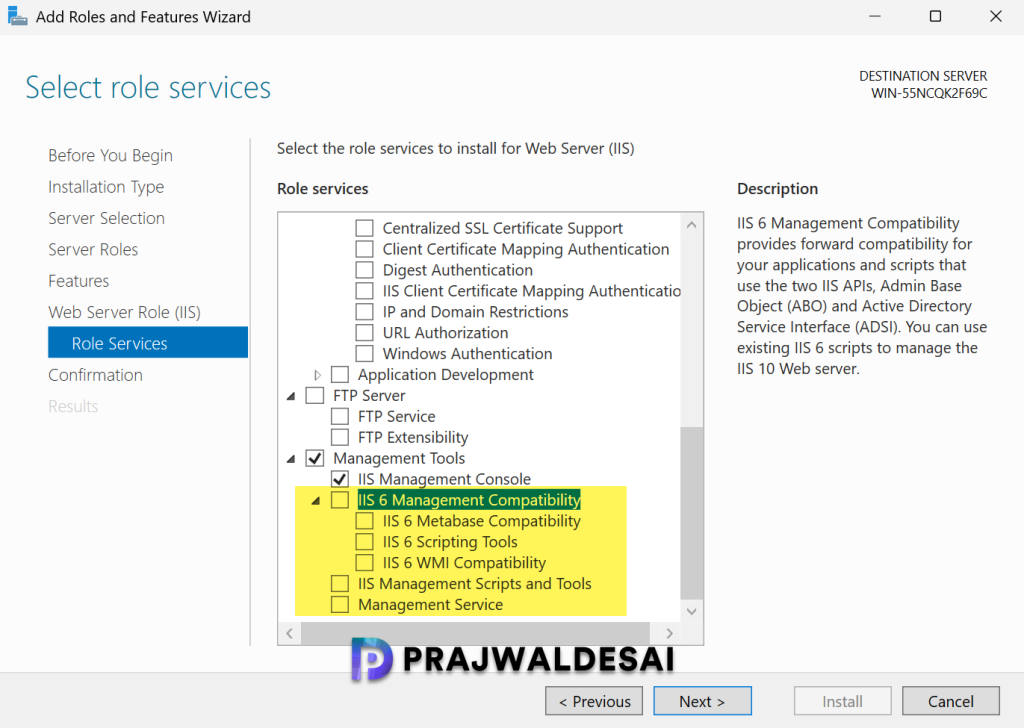
The IIS 6 management console was removed starting with Windows Server 2019, as it is no longer being developed. This removal continues in Windows Server 2025. You should also start migrating from IIS 6.0 or earlier versions to the latest version of IIS, which is always available in the most recent release of Windows Server.
Internet Explorer ☯️
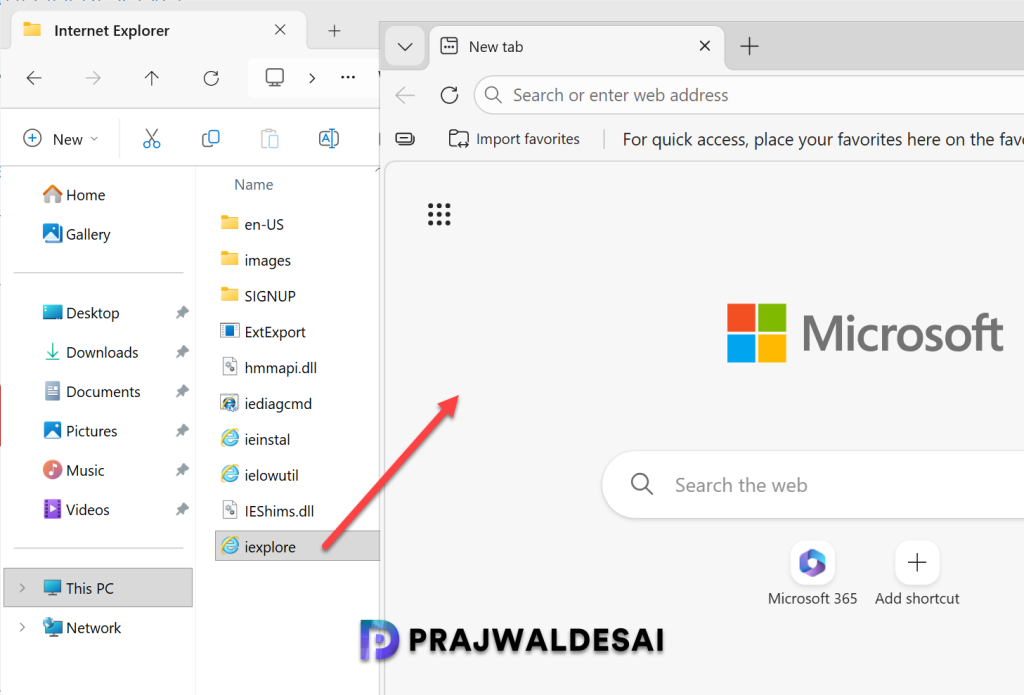
The Internet Explorer 11 desktop application is retired and out of support as of June 15, 2022. Microsoft removed the standalone Internet Explorer application from Windows Server 2025. To access older, legacy sites, use IE mode in Microsoft Edge.
When you manually install Internet Explorer on Windows Server 2025, attempting to launch it will automatically redirect you to the Microsoft Edge browser.
Windows PowerShell 2.0 👩💻
Starting with the September 2025 update, Windows Server 2025 no longer includes Windows PowerShell 2.0. If Windows PowerShell 2.0 was installed before the September update, it is no longer functional. Applications and components relying on Windows PowerShell 2.0 must be migrated to PowerShell 5.0 or a later version.
SMTP Server 📧
The SMTP Server feature has been completely removed from Windows Server 2025 and there’s no replacement within the operating system. Consider using Exchange Server or a non-Microsoft SMTP server as an alternative.
Wordpad 📝
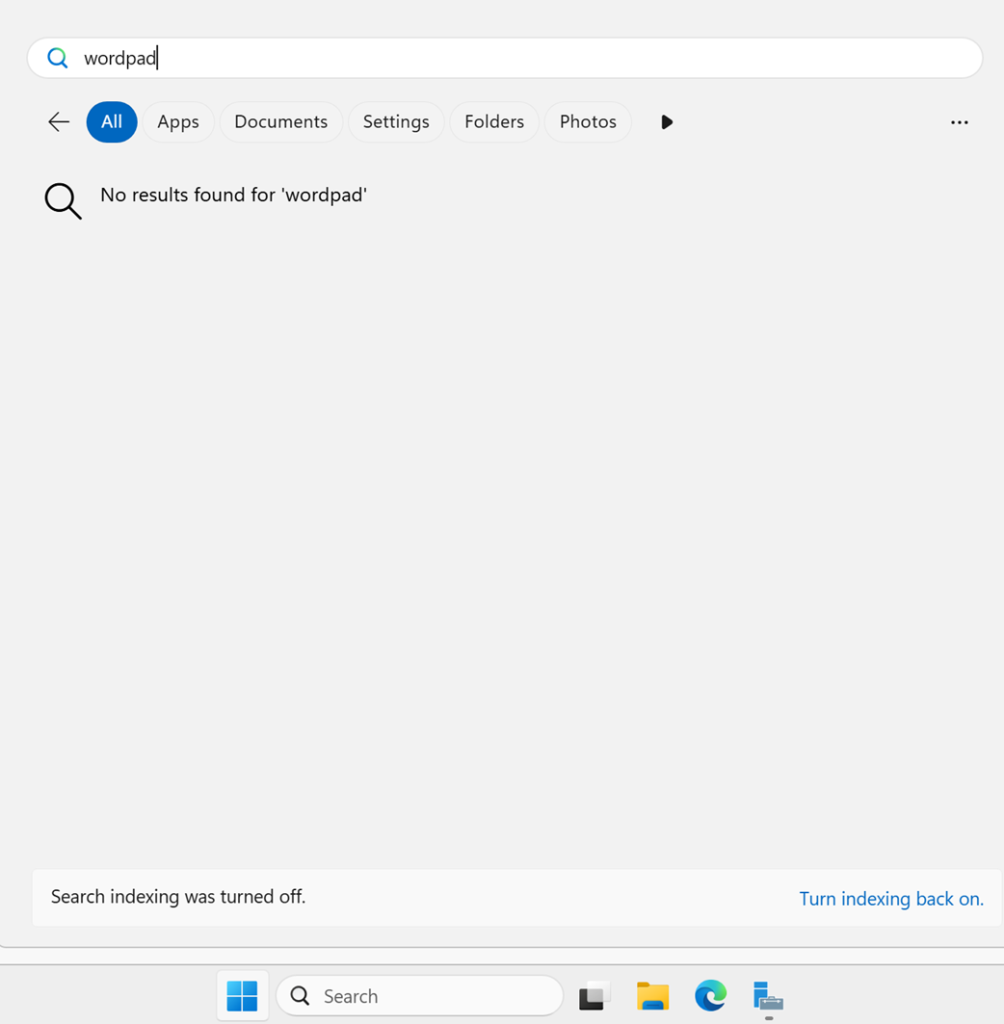
WordPad was preinstalled on several server OS versions, but Microsoft has officially removed it from Windows Server 2025. For rich text documents such as .doc and .rtf, consider using Microsoft Word. For plain text documents like .txt, Windows Notepad remains a suitable option.