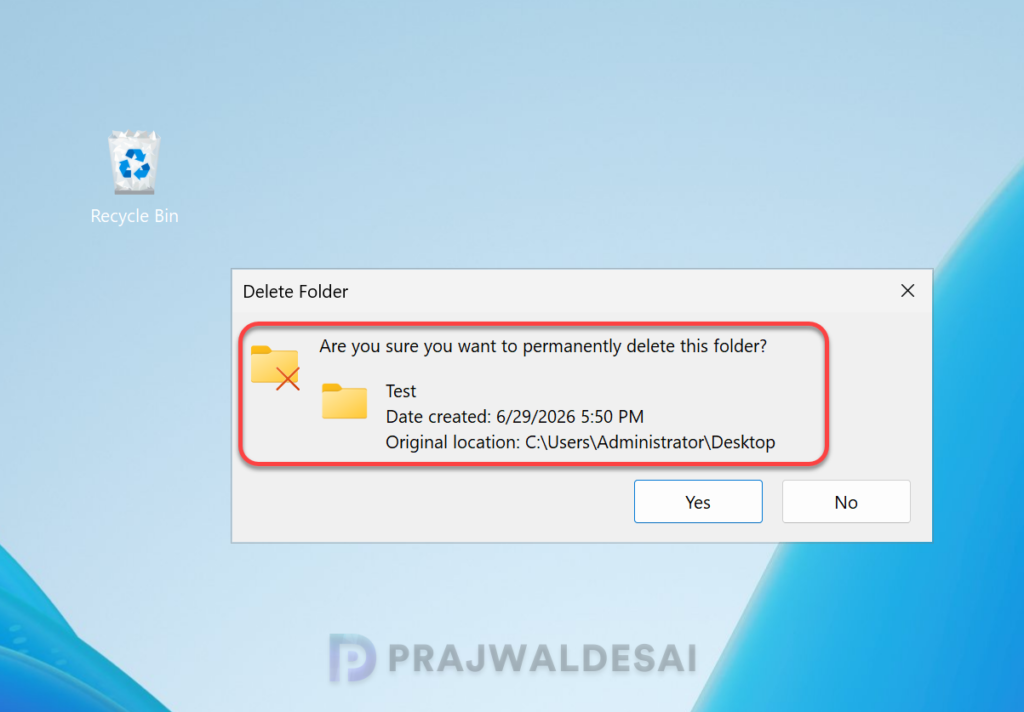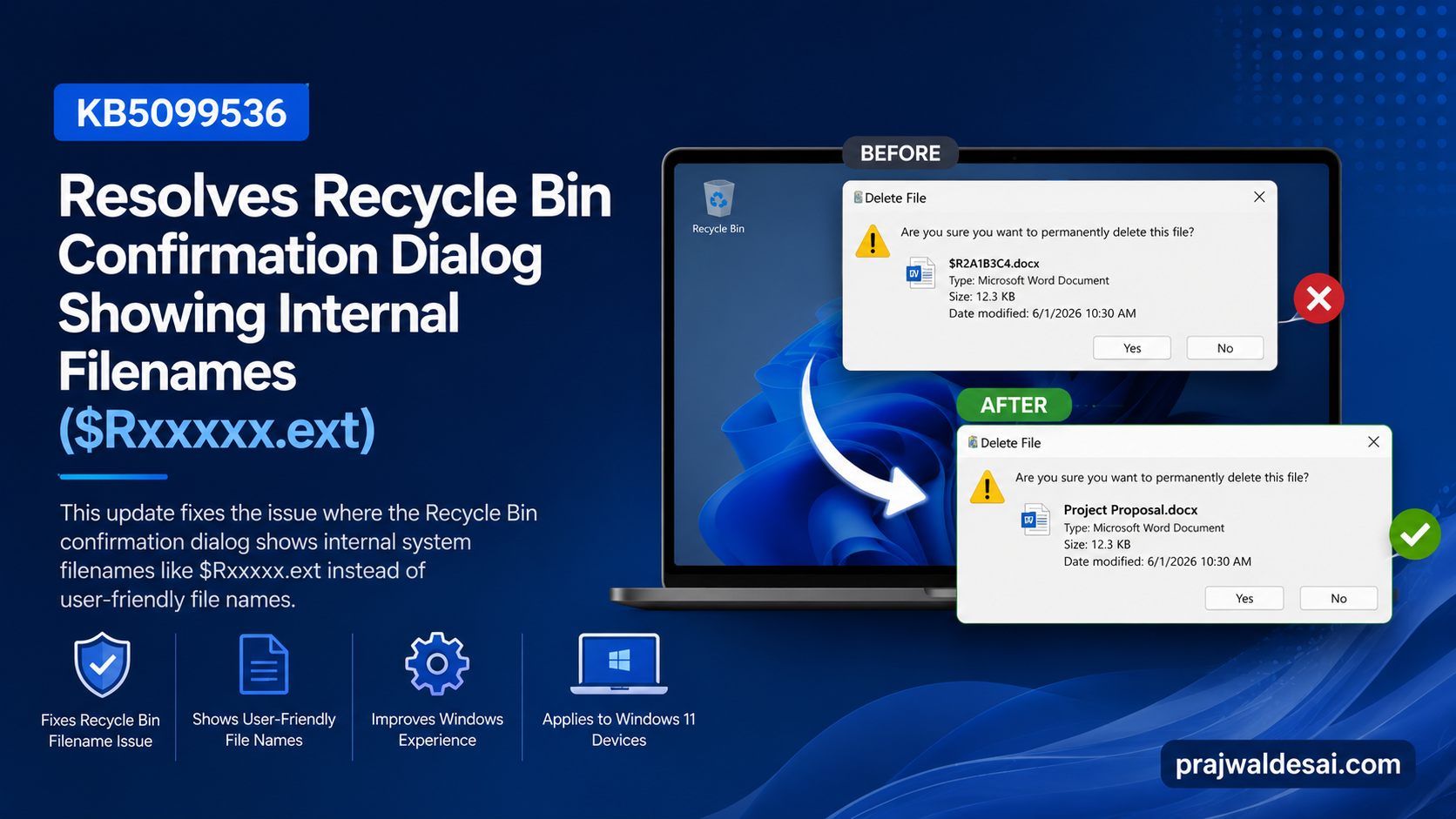
KB5099536 addresses a problem caused by the Windows security update from June 9, 2026, where the confirmation dialog may show an internal Recycle Bin file name ($Rxxxxx.ext) instead of the original file name when permanently deleting a file.
The June 2026 update KB5094125 introduced a regression in the confirmation dialog logic, causing it to display the Recycle Bin’s internal metadata filename instead of the user‑visible filename. Although the issue was cosmetic only and did not affect file integrity, deletion behavior, or recovery, Microsoft had to patch this for enterprise environments.
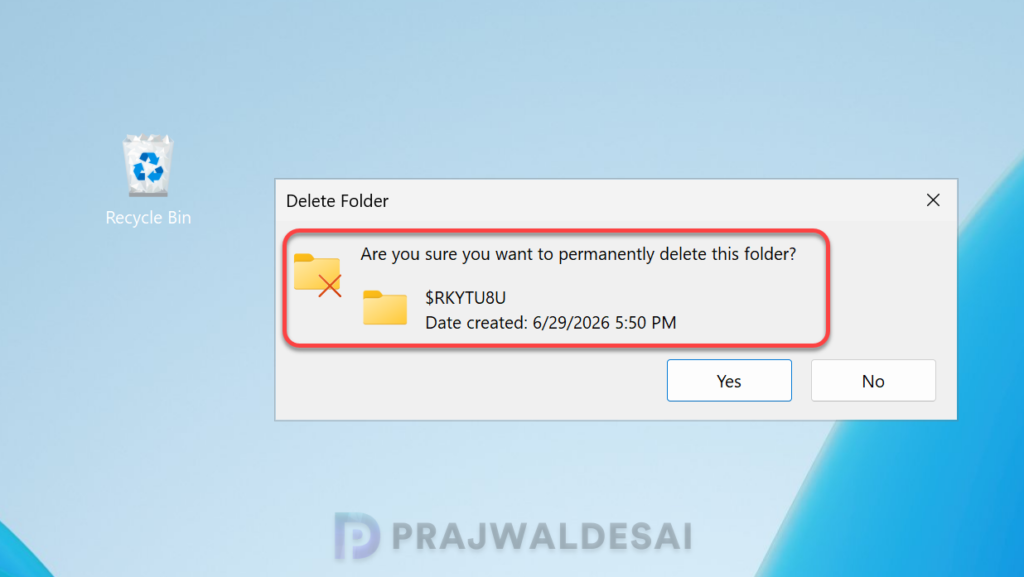
In the below image, we see that on Windows Server 2025, when permanently deleting a single item from the Recycle Bin, the confirmation dialog displays the internal Recycle Bin filename (for example, $Rxxxxx.ext) instead of the original filename.
$Rxxxxx.ext is an internal, temporary filename that Windows uses inside the Recycle Bin’s storage structure. It’s not the real filename of the deleted item, rather it’s a system‑generated identifier that helps Windows track and manage deleted files.
Affected Platforms
- Windows Client: Windows 11, version 26H1, 25H2, 24H2, 23H2, and 22H2. Windows 10 Enterprise LTSC 2019; Windows 10, version 1607.
- Windows Server: Windows Server 2025, 2022, 2019, 2016, 2012 R2, and 2012.
If your organization has installed the KB5099536 update released on July 14, 2026, or later, you do not need to use a Known Issue Rollback (KIR) or a special Group Policy to resolve this issue.
Installing KB5099536 Update
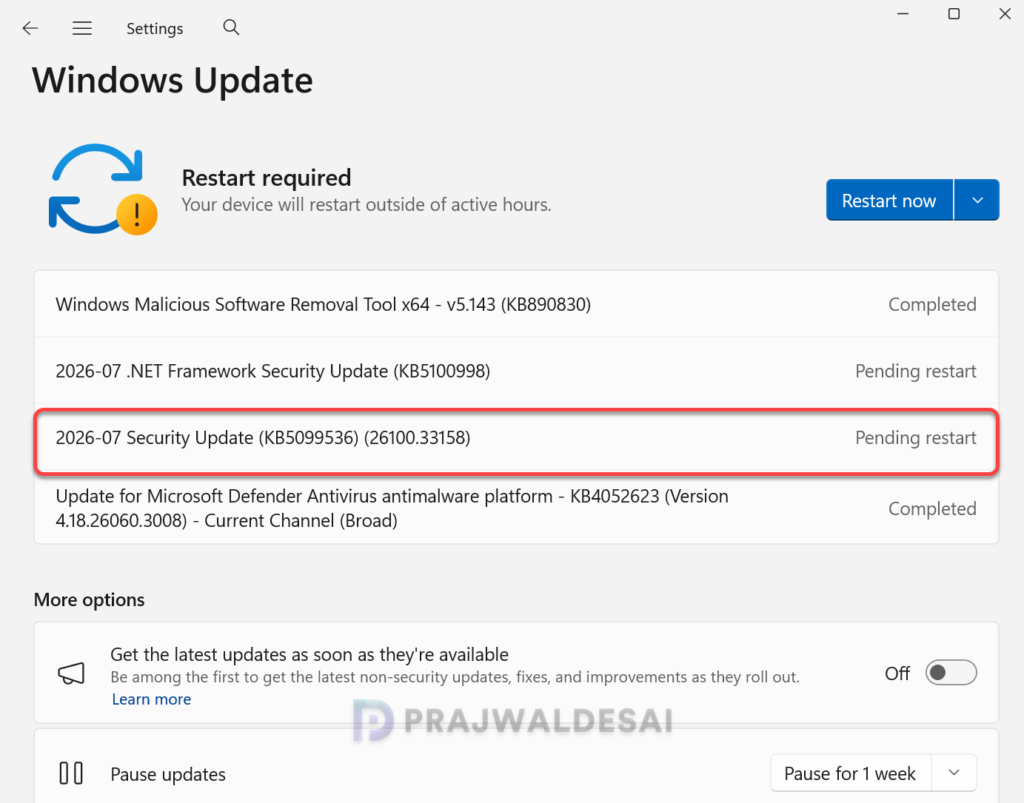
The KB5099536 update is offered through Windows Update for devices running Windows Server 2025. Whereas KB5101650 is the update released for Windows 11 versions 25H2 and 24H2 to resolve this problem.
If you don’t see the update listed, open the “Windows Update” settings and click the “Check for Updates” button. In the below image, you can see the 2026-07 Security Update (KB5099536) (26100.33158) update is installed and requires a system restart. The build number of your server should be updated to 26100.33158.
After installing the KB 5099536 update, the Recycle Bin correctly displays the original filename, and restoring the item also restores it using the original filename.